

Start with the exports you already have.
Coming soon
Your systems already hold the records. Declare what their columns mean, then bring work objects, activities, times and people into one analysis. The Engine includes 114 contracts for 23 system families and 8 file formats.
jira:
  # The trace is the immutable issue id;
  # the issue key changes when an
  # issue moves project.
  column_map:
    trace_id: [issueId]
    start_ts: [started]
    employee_id: [author.accountId]
    work_time_sec: [timeSpentSeconds]
  # …
  system_family: jira
unmapped_columns: {policy: warn}01 / Systems
Connect your systems with explicit mappings.
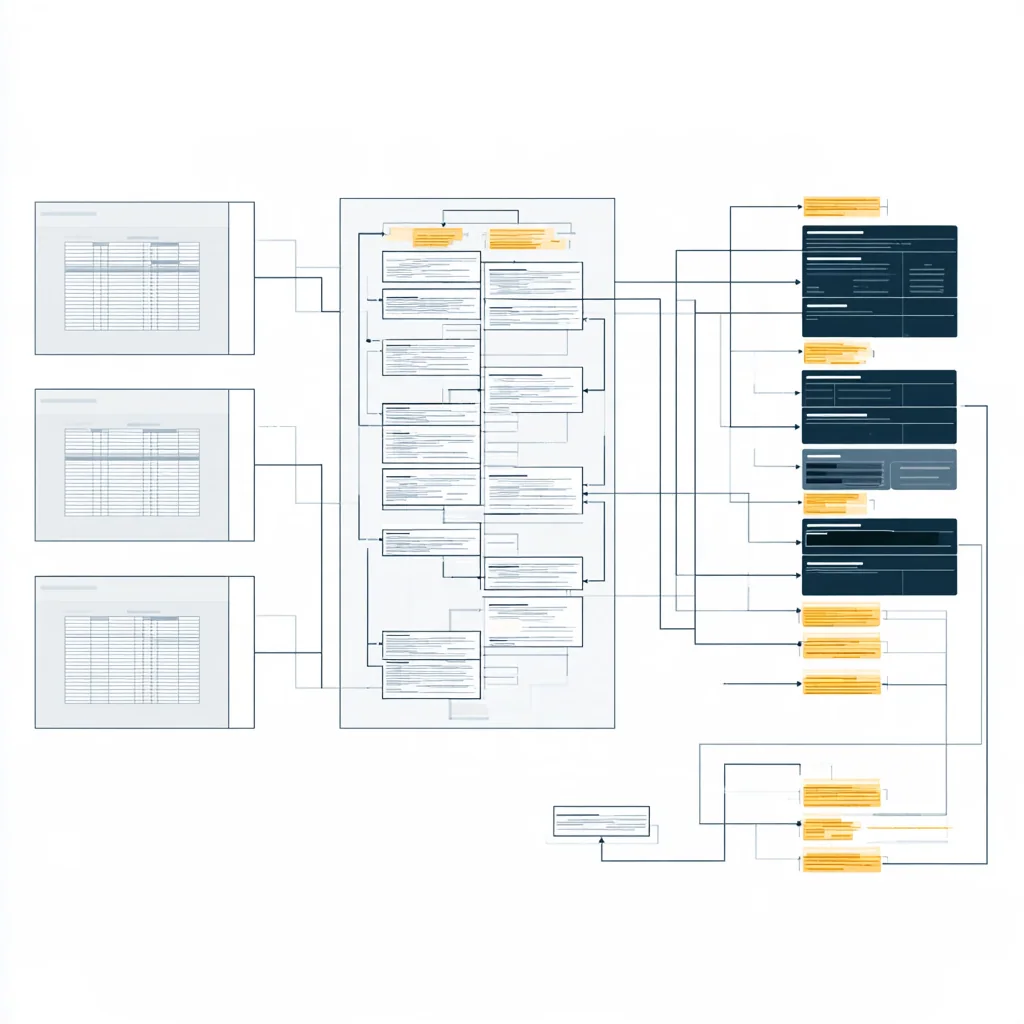
A contract defines the expected columns and their meaning. The Engine checks the export against that definition before calculating results.
79 contracts follow published vendor documentation. For 22, the format comes from secondary sources or recall. Another 10 use layouts declared by the project, and 3 use vendor-neutral layouts. Each has a test fixture; vendor endorsement is not implied.
- Case and service
- ServiceNow, Zendesk, Salesforce, HubSpot, Pega, Microsoft Dynamics 365
- Engineering and projects
- Jira, GitHub, GitLab, Linear, Asana, Figma
- ERP and manufacturing
- SAP, Odoo, ERPNext, Frappe
- Messaging and approvals
- Slack, DingTalk, WeCom
- Workforce time
- Microsoft Teams Shifts, Genesys Cloud, NICE CXone IEX, Pega Workforce Intelligence
Formats
- CSV
- TSV
- Excel
- JSON
- JSON Lines
- Parquet
- SQLite
- XES
02 / Columns
What your export needs.
Work object, step order, activity and start time give paths and lead time. An end time adds waits and processing time. A person and team add handovers and role checks. A due date adds on-time share and forecast risk.
Field by field, and five checks before you runDeclare event order with a step number or sequence column; timestamps do not substitute for order.
03 / Exceptions
Know exactly what was rejected.
Missing required columns prevent admission of the affected source; a required source blocks the run. Unmapped headers trigger warnings. Rejected rows identify their source file, row number and reason, and stay out of every number.
The four cases and what to do04 / Your system
Connect your next data source.
A different column name often needs only a YAML change. A new format may need custom engineering. Send us a synthetic sample so we can define the connection.
How we build new contracts Tell us which export you have Change a contract yourself Prepare your event log firstCheck a specific export against its contract.
A vendor name alone does not identify the rows your system exports. Check the file’s fields, select the declared contract and review the validation result.